



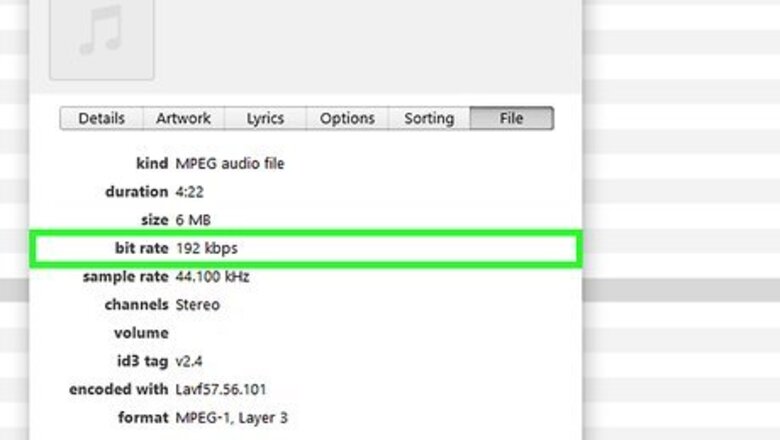

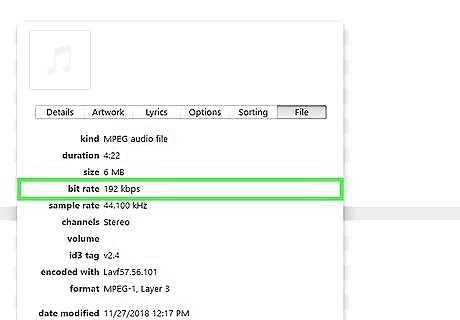
Explore your MP3 player's help menu to find how to enter the BPM value. This will usually be a number between 60 and 180. In iTunes, you'll find it under "Get Info" for a song. Other MP3 software will likely vary.
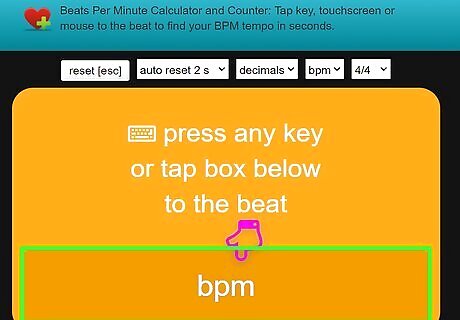
Find the BPM of your favorite songs.
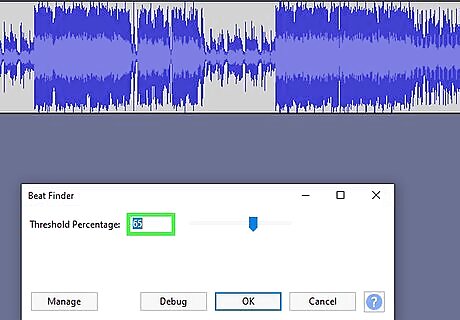
Enter the BPM data into your MP3 software.
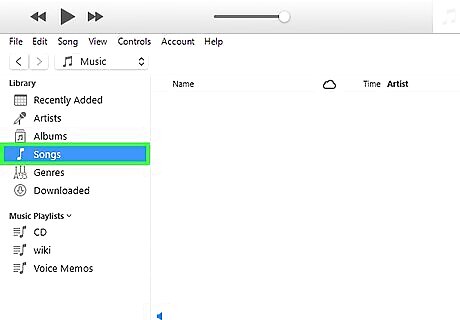
View your MP3 library of music.
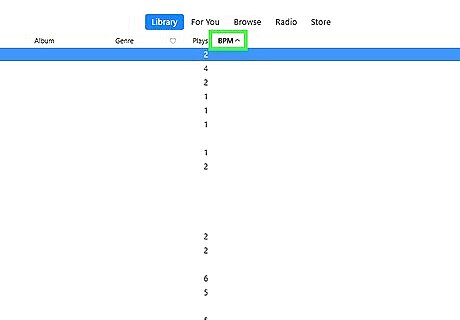
Sort the music by tempo. In an iTunes Music Library, this is easily done by double clicking on the column header for BPM.
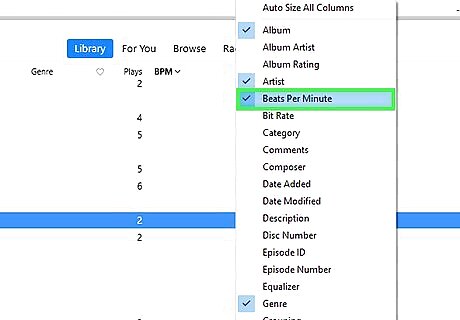
Separate the music into tempos in ranges of 10 BPM. For example, 120-130 BPM, 131-140 BPM, 141-150 BPM, etc. This will keep your exercise tempo even and avoid sudden speeding up or slowing down as you exercise.

Save each tempo grouping into its own play list.
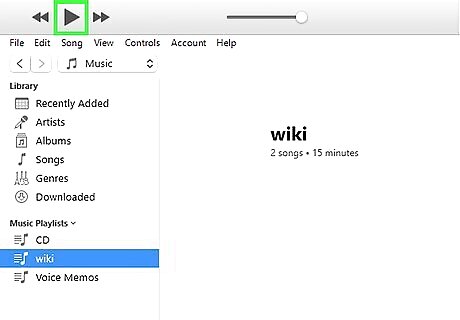
Load the new exercise playlists onto your MP3 player and head out for your exercise, knowing that you'll be able to keep a steady rhythm as you jog, walk, cycle, etc.









Comments
0 comment